Sword:
Started by sketching some idea for the sword and shield project. Most of the ideas seemed difficult to do on Maya at my current skill level since they are asymmetrical and have elements that could require more knowledge of sculpting (e.g the animal head, ridges, curved shapes). The most likely ideas seemed to be the middle top, middle bottom, middle right or top right with some variations to the design. Chose the middle top because of the symmetry and design features I liked such as the blades branching from the center.
Shield:
The shield ideas were more vague but I made up an idea later more fitting to the sword design.


After attempting the design in Maya, I made some more refinements to the concept and chose to have the blades coming from the center of the sword rather than from the bottom and layered on top of each other. Decided on red and pale/blue coloured metal but since texturing stage isn’t complete this could change.

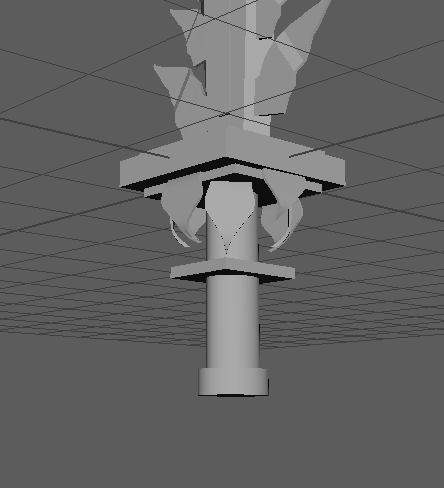
Started by modelling the sword. As expected, had difficulty making the blades in the center and found that it was a better idea to have the larger shapes towards the bottom so the sword wouldn’t be heavier at the top making it harder to carry. It would be for a stronger or larger character so I extended the length of the hilt.


Realized the decoration on the hilt hanging over the edges could make it difficult to hold so I added a division between the end of the sword and these decorations and later extended the hilt length more so there was more room on it for a hand.
Shield was made less intricate but based on the design of the sword and added further decoration as it went on. Initially based it on the earlier sketch but found that the model looked boring in comparison to the sword. Added more curling decoration and diamond shapes to link it to the sword design. Hoping to add jewel decorations to the sword and shield in the UV unwrapping and texturing stage.
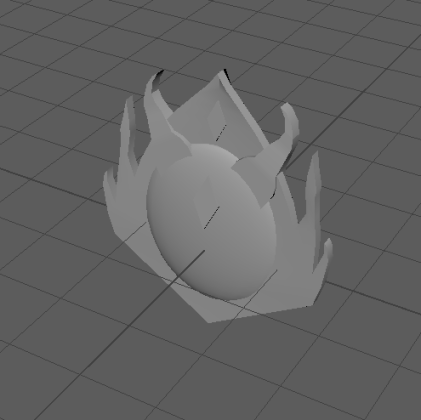
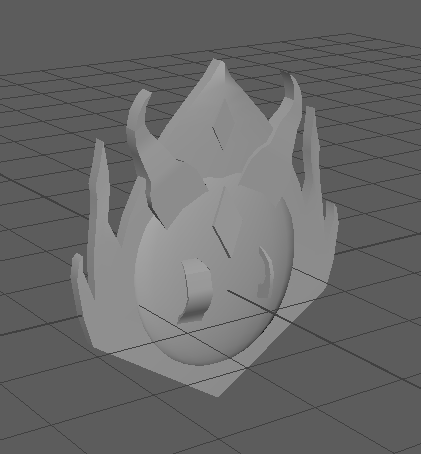
Peer review: The shield was too thin to be functional so using object mode, made the whole model thicker
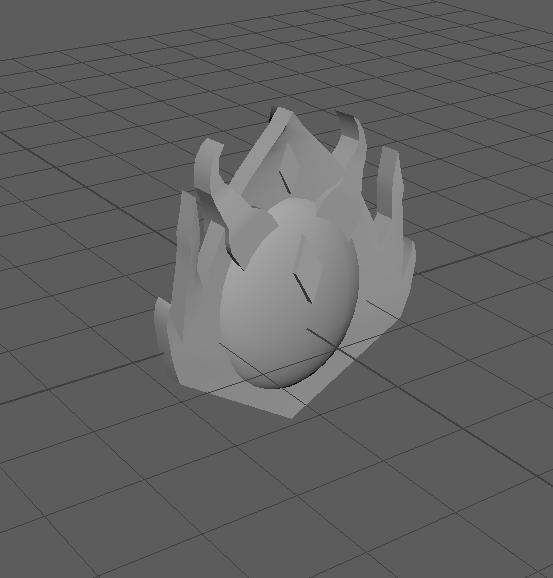

Found some shortcuts and places to stitch together to simplify the UV map. The cubes were out of proportion so simply used ‘automatic’ button to map them out and stitched incomplete edges together.
UV unwrapped most of the shield part by part but selected the whole model later and realized they were overlapping each other. Need to make the UV map neater and separate overlapping parts. Found out there were hidden faces in vertex face mode interfering with planar mapping. Used the merge tool on the whole model and kept the default value. This fixed the issue.
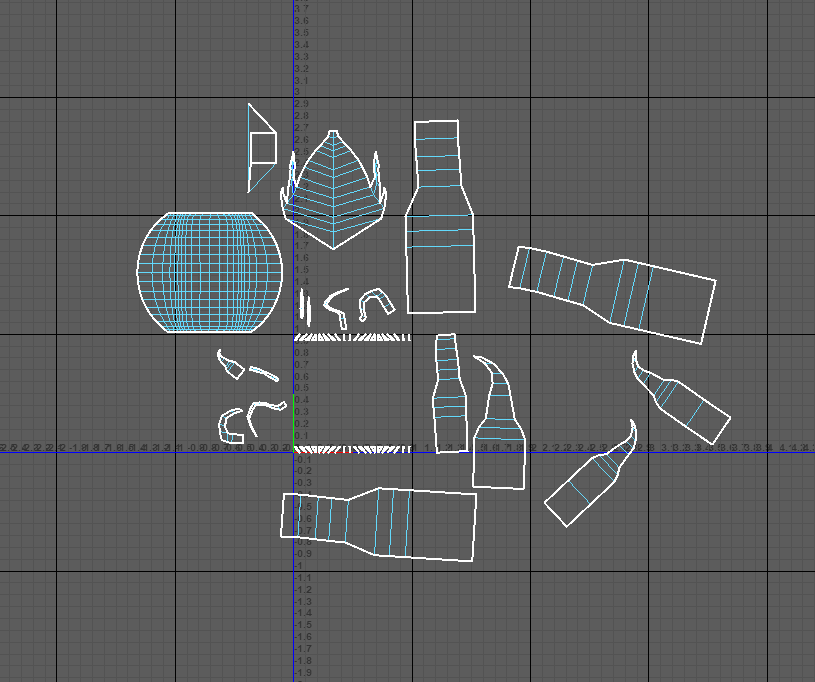
Completed shield UV unwrapping. The faces on top of the sphere shape may be difficult to select to texture but the colouring there probably won’t be too complex.
Started working on sword and shield texturing. Added some free metal textured and used the mixer brush to make the texture look less detailed relative to the rest of the sword so far. The blade of the sword is blue and I added light soft brush/dodge tool to make it look shiny and metallic. For each of the smaller parts of the sword (protrusions from the blade, smaller parts on the hilt) I tried to do the same thing and make them look metallic using shading. Shading needs improvement and it doesn’t look realistically metallic but it looks more like 3 dimensional shading than the ship has.
Learned to save and load selections to save time if I deselect by accident. Saves a lot of time and makes some parts of the process faster.

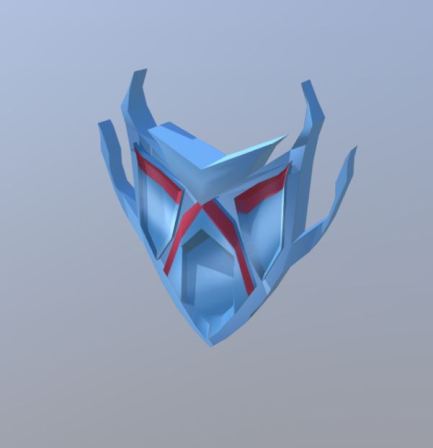
This sword I found in Sketchfab has the same use of gradients I want to replicate with my sword and shield. The sword has seamless looking highlights and shadows added in the texturing stage and each part of the sword looks like it matches the others. The seamless look is something I’m having trouble replicating in my own model, possibly because the sword and shield wasn’t created with texturing in mind. In future, if the model is planned in advance with an idea of where light and shadow will appear on each part of the result, it could be easier to texture later on. The shinier parts of the model have whiter highlights to show that it is reflecting more light and more matte parts of the sword or duller metal has less obvious highlights and they appear softer. Lots of the models in Sketchfab have cracks and dirt on the model to make them more interesting and according to the model inspector, this is all added in the texturing stage so I could try some of these techniques.
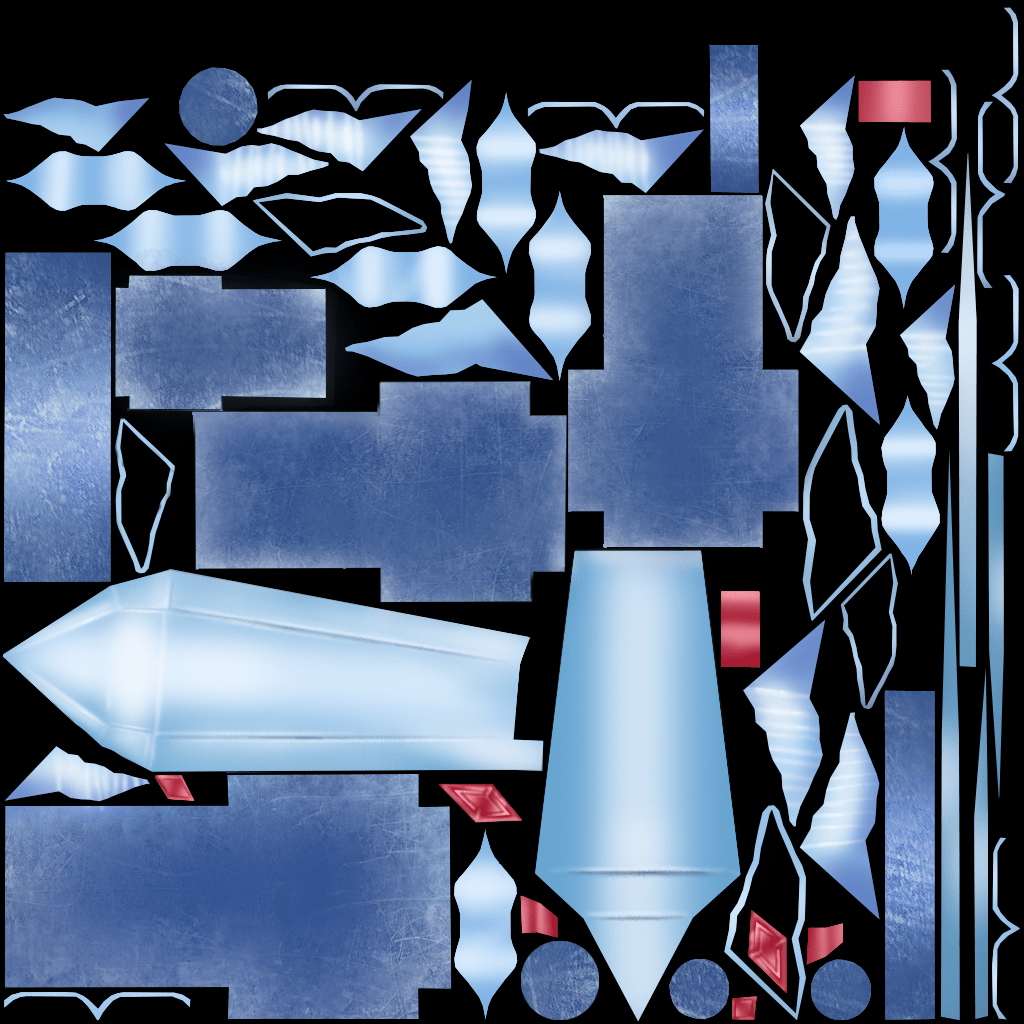
Tried to implement these ideas by painting the appearance of sharp edges or something ingrained in the surface, specifically on the blade. Some highlights and shadows on the leaf-life metal decoration on the side of the blade and on the hilt to make them look more textured and 3D

After a number of technical problems with the first shield I designed making it extremely difficult to work any further on, I made another one.
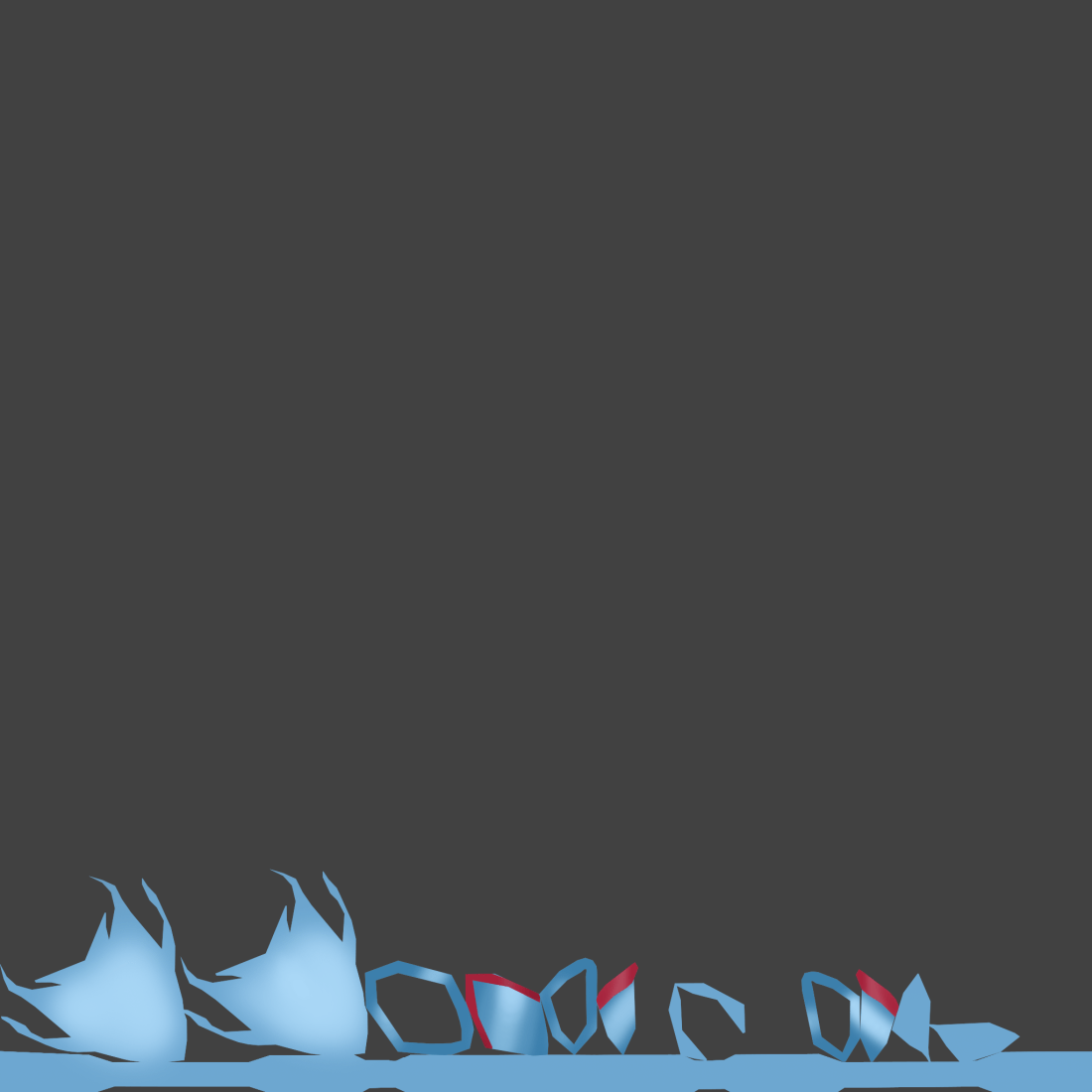
The shield was created after the sword with the same colour scheme and shapes in mind so they look like they are meant to be presented together. The shield has less embellishments compared to the sword but I like the horn like shapes framing the shape. I started the model with a typical shield shape and added them to make it more interesting when I realized it looked boring compared to the sword.
https://skfb.ly/6E6O6
Sword:
https://skfb.ly/6Kxn7









 Grace's Blog