Light

Learned about light and different types of lighting used in photography and cinematography.

Broad side/near side: the light is on the side of the face facing towards the camera

broad lighting

Short side: the lighting is on the side of the face facing away from the camera

short side lighting

(Short side lighting is not to be confused with short siding which is a technique used in cinematography where someone could be looking to the right and be positioned on the right side of the frame, making the focus the background.)

short siding

Middle lighting: lighting that goes down the center of a face, leaving one side hidden
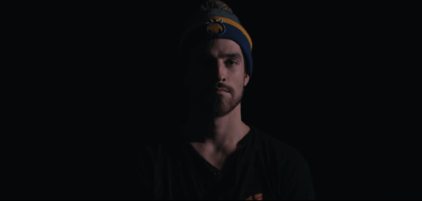
middle lighting

Rembrandt lighting: Lighting that is almost middle lighting but above and to the side. It is recognizable by the triangle of light on the high point of the cheekbone it reveals on the dark side of the face

rembrandt lighting

rembrandt lighting2

Back lighting:  When the light is positioned directly behind the subject leaving a silhouette.

back lighting

Rim lighting: Almost back lighting but if the light is to the side slightly it reveals more of the face. Adds more depth than back lighting and retains the dramatic effect. Rim lighting can also be used in combination with another type of lighting such as short side lighting.

rim lighting

Key lighting is the main type of lighting in a scene

Bounce lighting or ambient lighting can be used to make shadows less harsh. By placing someone near a white wall near the area of shadow, the colour of the wall bounces back onto the face.

Got a picture of a cube and opened in Photoshop with the task of making it look less 2D. Achieved by adding light, shadow, adding bounce light and adding a cast shadow.

Should’ve had the shadow of top corner facing the camera cast. The shadow behind the light source may have gone straight across making the corner shadow hidden but not sure.
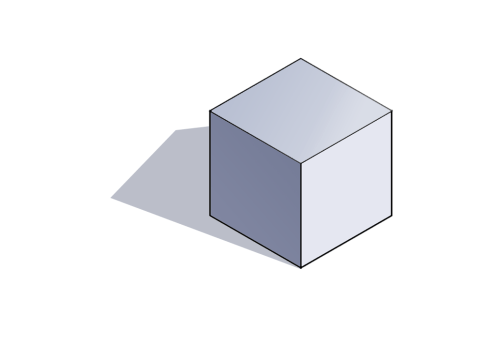
Cube

Unity: Physics Effectors

This lesson I learned about prefabs and how to create them. Prefabs are objects with specific characteristics that have been saved for future use to save time.

Things called physics effectors affect the way things interact with them. In the example of a platform and ball, platforms can act as magnets with physics effectors applied to them, make the ball float and be used as a treadmill or ramp to speed the ball up. For this to work, the option ‘Used by effector’ must be ticked manually. With prefabs, the settings can already be set correctly to save time.

Physics Effectors can be useful in game design when the level demands different situations such as wind pushing the player in a different direction, treadmills slowing the player down, platforms used to speed the player up or pulling the player in a specific direction. Types of Effectors include:

Area Effectors: affects the way the air in an area moves. Could be used as wind movement. Usually the area affected has no visible sprite.

Surface Effectors: Conveyor belts that speed the player up when they move onto a platform

Buoyancy Effector: Makes objects float

Point Effector: Pulls or pushes objects against a specific point like a magnet.

The settings on the physics effectors can be modified and affect the ball on different scales. If the level is moving too slowly, an area effector can be added to the whole level to speed it up and the player won’t be able to tell because the area is usually invisible outside of scene mode.

A problem I encountered while making the level was the ball falling through platforms even with box colliders applied. I found out that it was because the platform and therefore the collider was too small an area to be detected. The problem usually occurred when the ball was moving at a high speed towards the collider. Made the platforms bigger and the problem was resolved

Capture physics effector 5 pfCapture physics effector 1

Capture physics effector 2Capture physics effector 3Capture physics effector 4

UV Mapping/Unwrapping

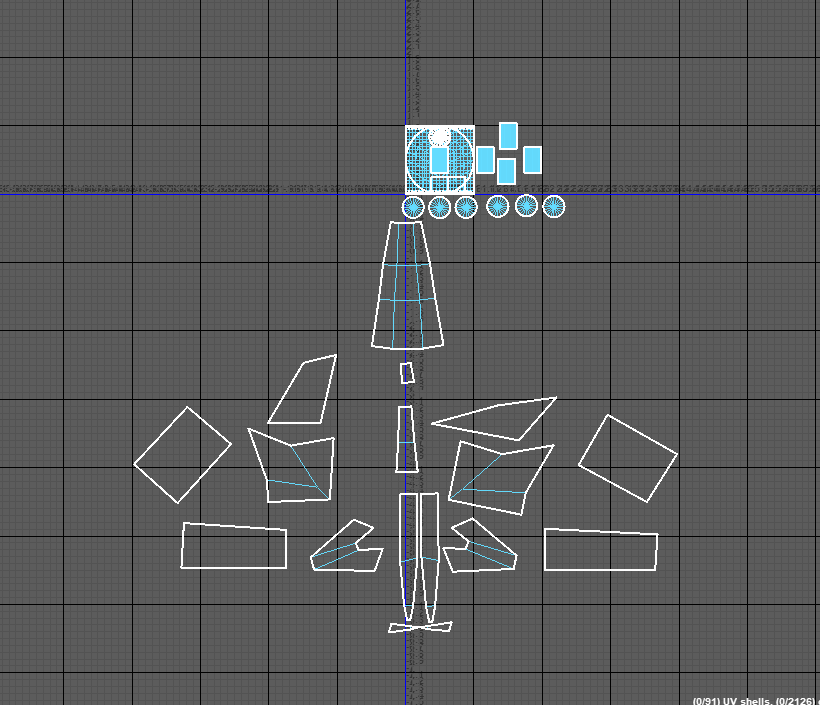
UV mapping/unwrapping is a projection of a 3D model onto a 2D map displaying all the faces of the sculpture on the map. This makes it easy to texture individual parts of a model much easier than painting directly on the model especially with, for example, straight lines wrapped around a cylinder that would be difficult to make clean by painting directly on the shape.

Learned to select the appropriate faces of the model to turn into a 2D panel without causing the model to distort.

Learned to turn on and off the checkerboard option to make it obvious which faces or parts of the model are unfinished or incorrectly unwrapped by seeing if it displays a square checkerboard pattern. If the pattern is warped or doesn’t resemble squares then there might be a problem with unwrapping.

uv map 2

Learned to unwrap cylindrical objects

Learned to stitch seams together that share the same edge and this makes texturing easier with less pieces to work with.

CaptureCapture2UV map 1

Volume

We were asked to create a character using an adventure time style making them look like they have volume without using shading or detail. The characters are made up of simple shapes such as cylinders that show perspective clearly. By making the ends of the arm convex it shows that the arm is facing away from the viewer and concave would indicate that the arm or hand is coming towards the viewer. My character has baggy clothes that show the fabric hanging off and wrapping around the character.

Usually volume can be shown using shading to indicate things curving or perspective indicated by objects around them.

Adventure time character


Unity Basics

I started learning the basics of Unity, how to design different levels by opening different scenes and how to create sprites.

Learned to:

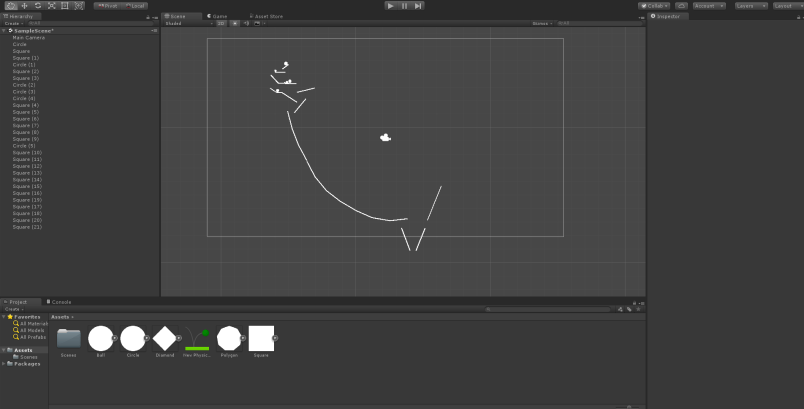
Apply some physics to the sprites such as rigidbody and 2D box and circle colliders.

use the transform tools to rotate, move and scale the sprites and camera.

4

Change the values of the rigidbody tool and change how the sprites are affected by gravity, how much mass they have, how much drag they have.

Using knowledge of how to apply basic physics and gravity, I created a scene with balls sliding down ramps using momentum to gain speed and knock each other over onto a slide. At some points the Box collider didn’t work on certain rectangles, particularly when the balls gained too much momentum and they fell through.

Learned to apply physics such as the bounciness of the ball with the tool in the assets

Any value changes affected how the game played, even a slight change could disrupt the chain reaction.

5

CaptureCapture2Capture3

Maya Basics

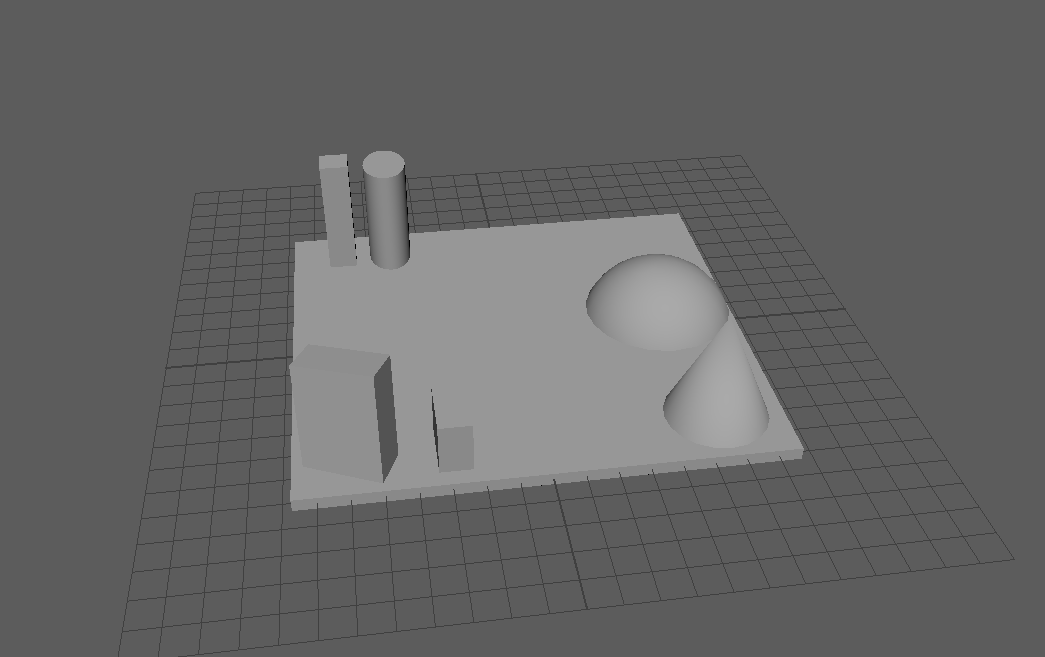
I learned the basics of Maya such as creating shapes, manipulating them and extending them to create new objects using the ‘extrude’ tool. The first objective was to create a scene using the shapes and learning to change the size, make them longer and shorter and changing the position of them. Learned to use some of the the tools on the top and right that control the size, selections, rotation and position and the tools that control the appearance of the workspace.

Learned to switch from one mode to another when selecting a shape. This changes if the whole object is manipulated or just a specific face, edge or vertex. The side panels control the numerical value of the properties of the shape such as the position and angle of it on the grid.


Scene test 1

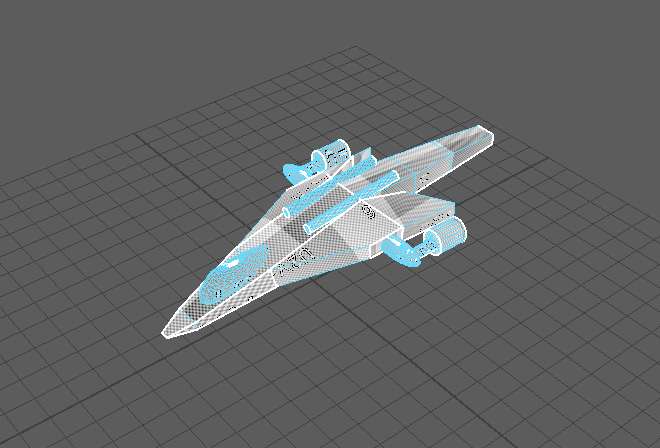
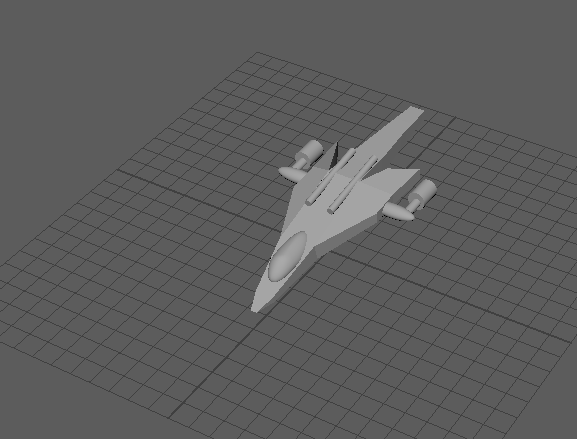
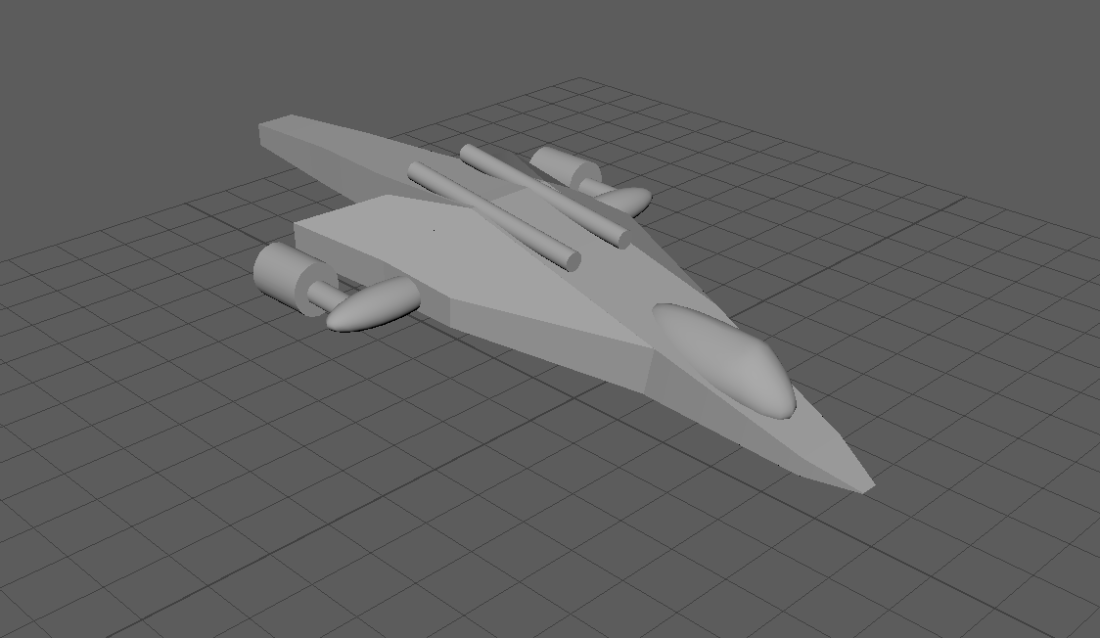
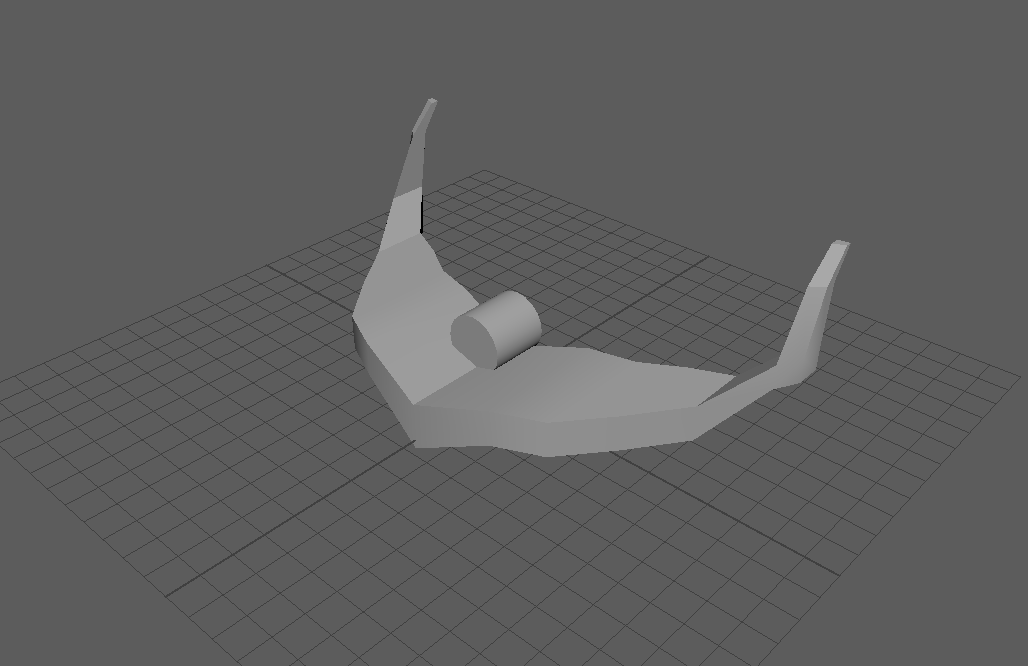
Started a new ship after the first attempt. Found it easier to create a symmetrical ship by creating a wing and mirroring it across the axis. Started making the body of the ship with a cylinder in the center.

Spaceship 1

Types of perspective

One point Perspective

1pointperpective

Two Point perspective

2pointperspective

Image result for two point perspective vs one point perspective

Difference between one point and two point perspective can sometimes be hard to differentiate. With one point perspective, the cube has a set of parallel lines that never lead to a vanishing point, with two point perspective, both sets of lines lead to a vanishing point. It may be hard to tell if lines are parallel or if they converge inward enough to be considered two point perspective

Three point perspective

With three point perspective, the object is foreshortened with the bottom or top face of the object/cube closer to the viewer so the height of the object converges towards a vanishing point above or below.

3pointperspective

Atmospheric/Aerial Perspective

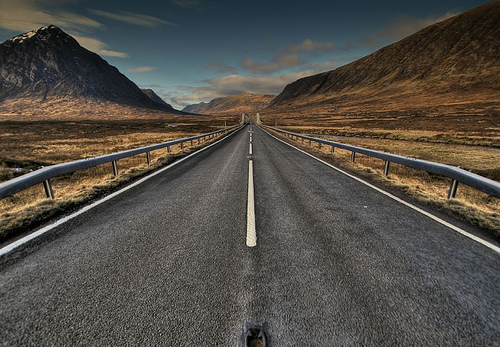
Atmosphericperspective3


Atmospheric perspective is the effect of the earths atmosphere on the far distance. The atmosphere builds up the further you look and the colours become less saturated and detail gets lost. If the day is clearer the effects of atmospheric perspective aren’t as obvious as on a foggy or cloudy day.

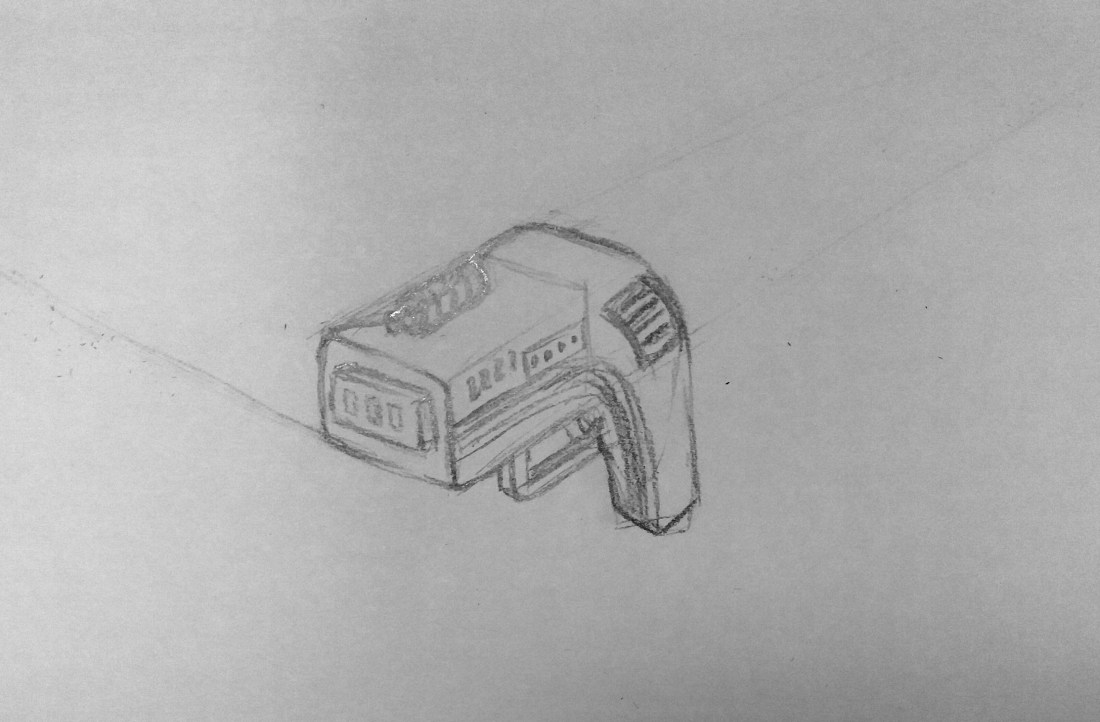
Tried to apply  knowledge of perspective to an object more complicated than a cube. sketched a simple gun and added perspective lines.

Gun perspective.jpg

Gun perspective vanishing points