Character is designed and modeled. Decided on a small, clumsy looking bird with eyes on either side of the head, a small, round frame with small wings and a tail.
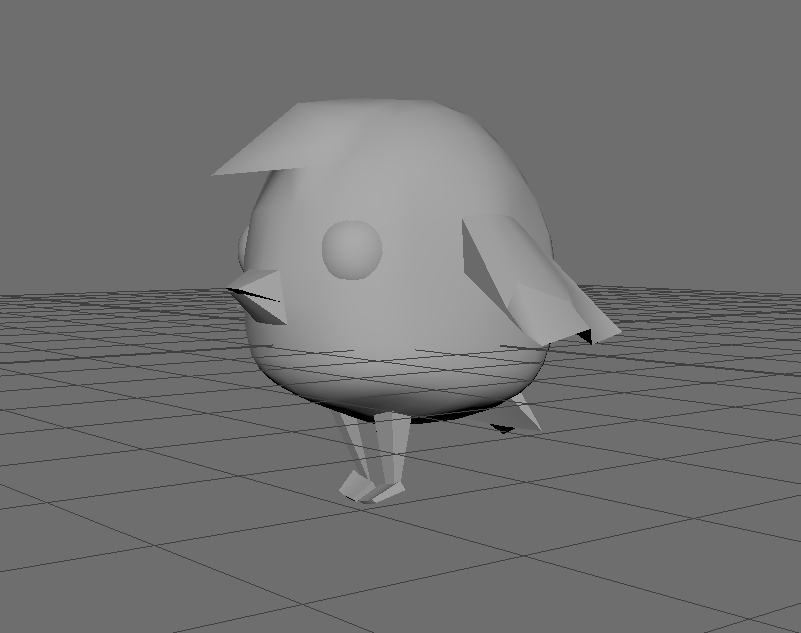
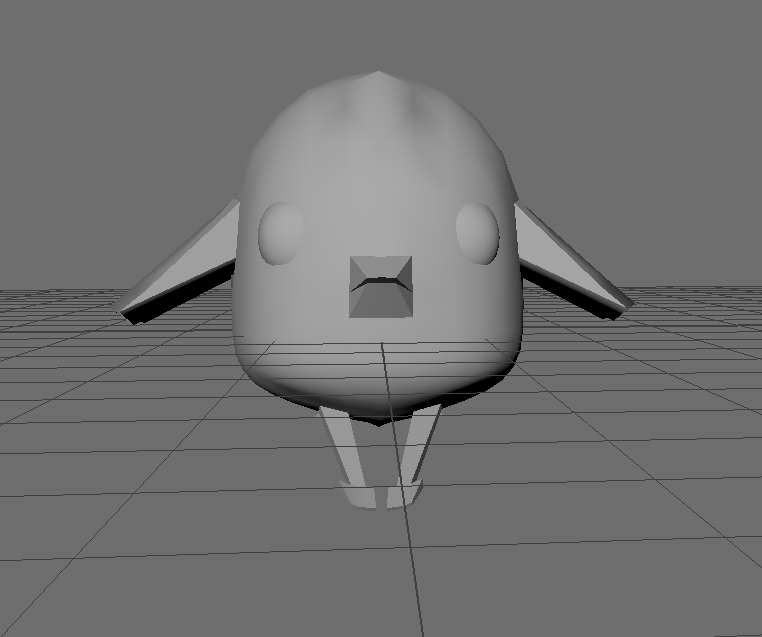
Learned how to crease edges when smoothing a model so the selected edges stay sharp and the rest of the model is smooth. The creased edges are displayed as thicker edges on the mesh

I still need to finish unwrapping the model and texturing it, probably using gradients to save time, and rigging the model before animating it.
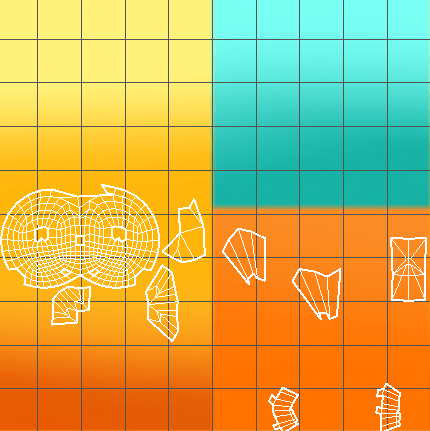
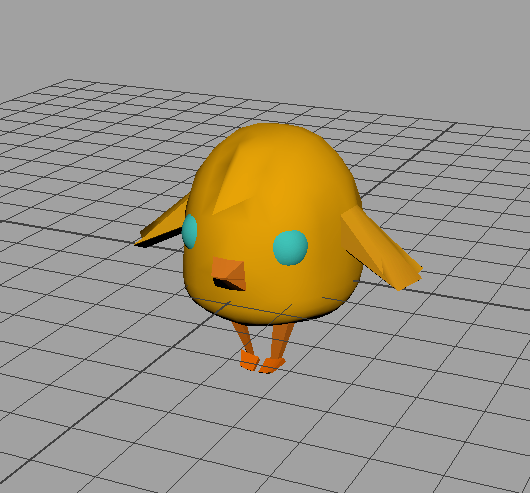
Used gradient panels of colour and applied them to the model using hypershade in Maya. Although it’s simple I think it saves time and goes with the simple style of the character.
I created joints, mirrored them across the character and bound the joints to the skin. Started painting skin weights to fix distortion that occurs moving the joints

The red area on the model is the colour ramp displaying the affected area. Everything black displayed is unaffected. This makes it possible to move the wings/legs even if it is a part of the model without distorting the rest of the body.


 Grace's Blog