I started learning the basics of Unity, how to design different levels by opening different scenes and how to create sprites.
Learned to:
Apply some physics to the sprites such as rigidbody and 2D box and circle colliders.
use the transform tools to rotate, move and scale the sprites and camera.

Change the values of the rigidbody tool and change how the sprites are affected by gravity, how much mass they have, how much drag they have.
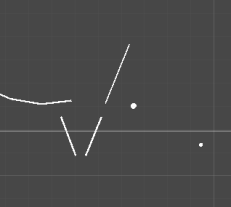
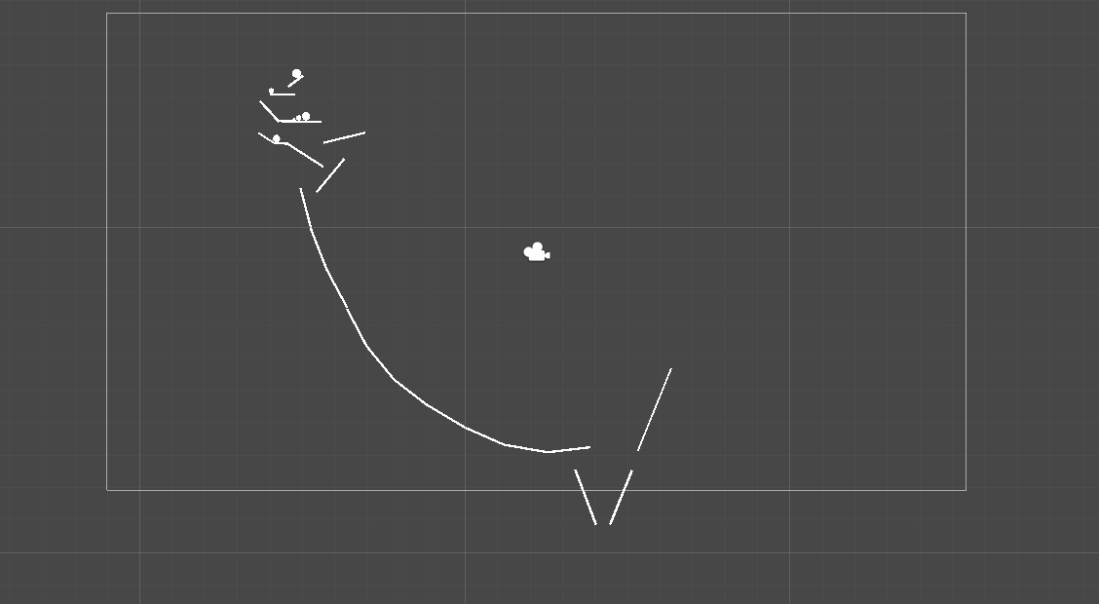
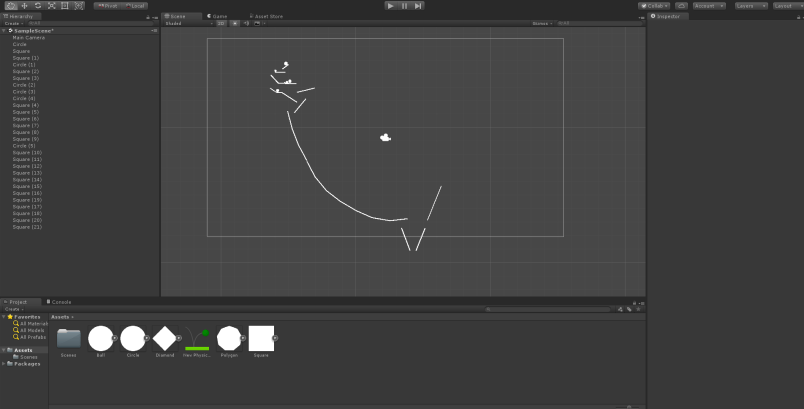
Using knowledge of how to apply basic physics and gravity, I created a scene with balls sliding down ramps using momentum to gain speed and knock each other over onto a slide. At some points the Box collider didn’t work on certain rectangles, particularly when the balls gained too much momentum and they fell through.
Learned to apply physics such as the bounciness of the ball with the tool in the assets
Any value changes affected how the game played, even a slight change could disrupt the chain reaction.


 Grace's Blog