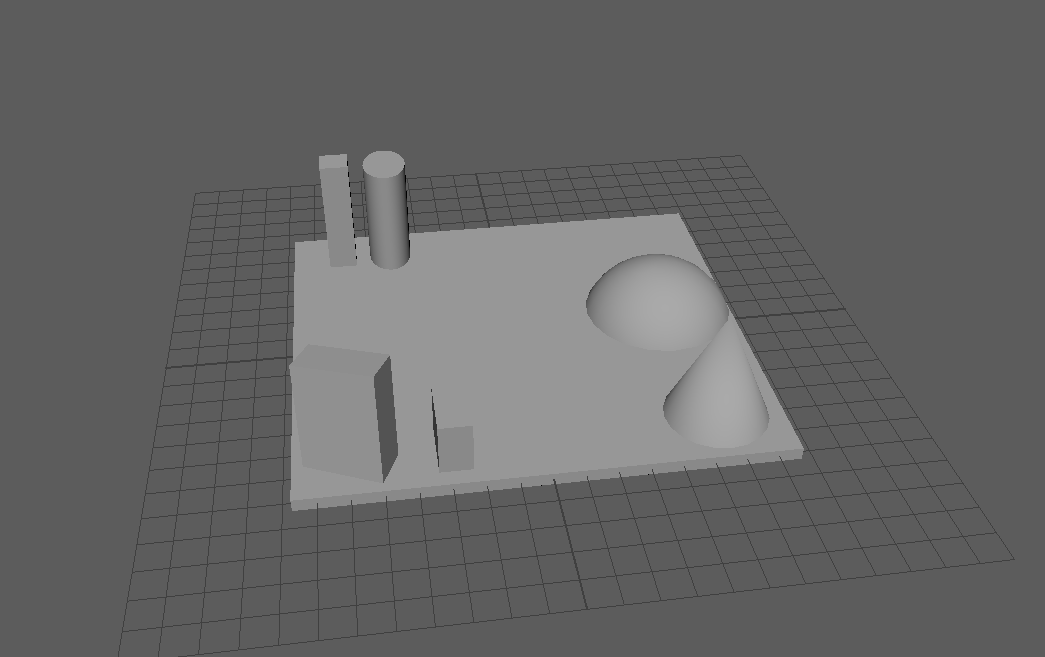
I learned the basics of Maya such as creating shapes, manipulating them and extending them to create new objects using the ‘extrude’ tool. The first objective was to create a scene using the shapes and learning to change the size, make them longer and shorter and changing the position of them. Learned to use some of the the tools on the top and right that control the size, selections, rotation and position and the tools that control the appearance of the workspace.
Learned to switch from one mode to another when selecting a shape. This changes if the whole object is manipulated or just a specific face, edge or vertex. The side panels control the numerical value of the properties of the shape such as the position and angle of it on the grid.
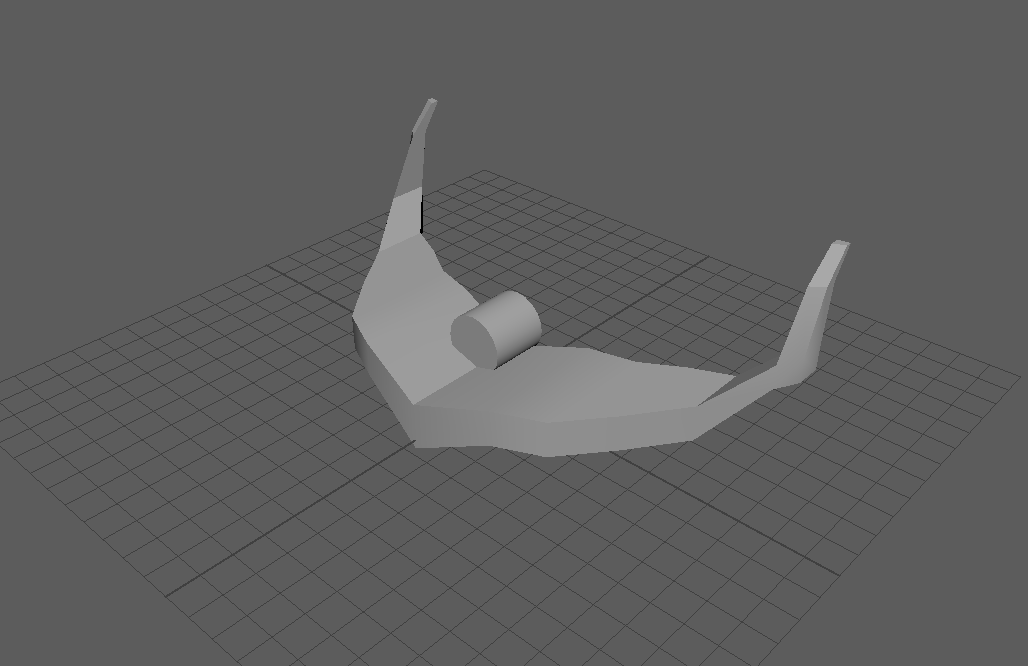
Started a new ship after the first attempt. Found it easier to create a symmetrical ship by creating a wing and mirroring it across the axis. Started making the body of the ship with a cylinder in the center.

 Grace's Blog